
EveryQR: QR Scanner & Maker
Scan and create QR codes.
Scan QR codes and barcodes, create your own, and keep them organized on your phone.
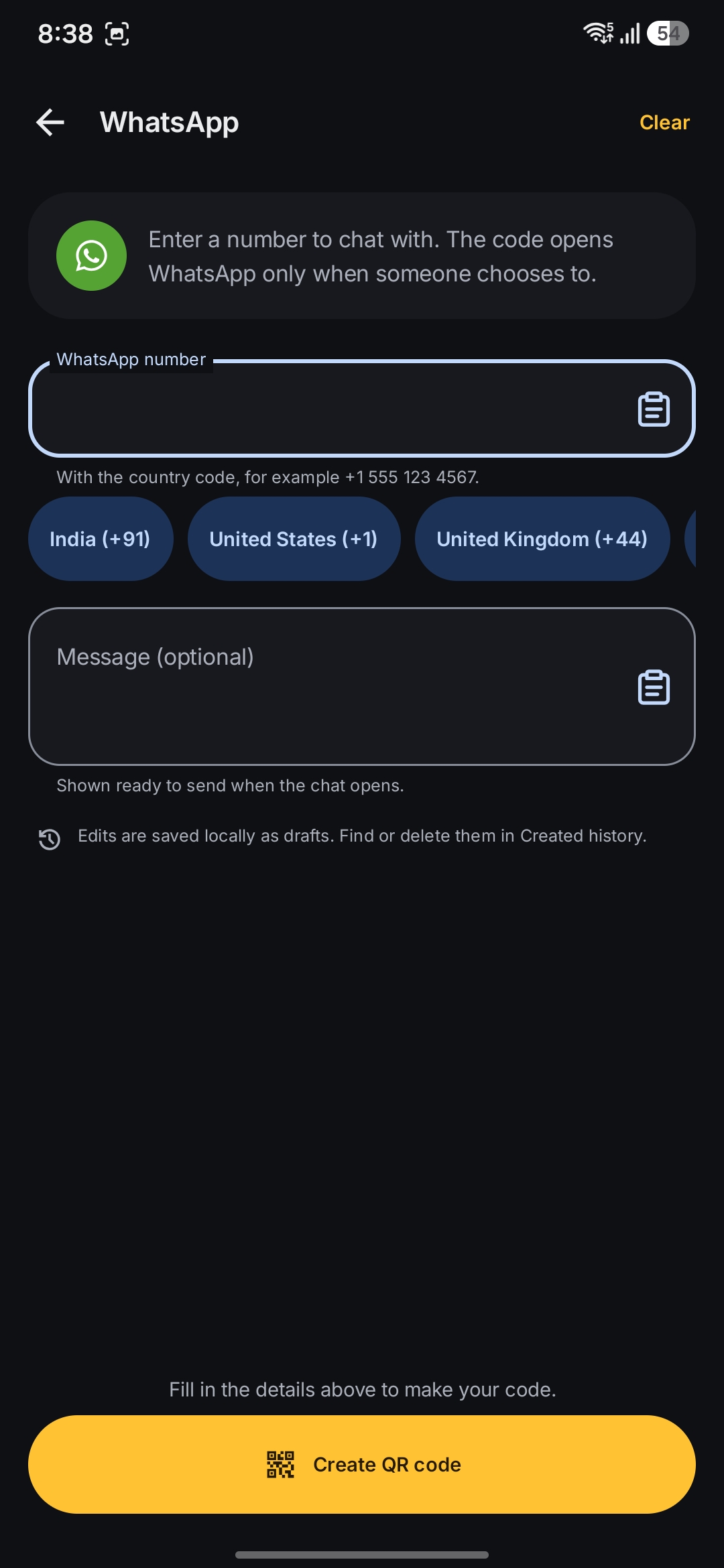
Use the camera to scan a code, or open an image or screenshot. You can also make codes for links, Wi-Fi networks, contacts, and text. Scanning, code creation, and your saved library work offline. There’s no account to set up.
App screenshots
Inside EveryQR
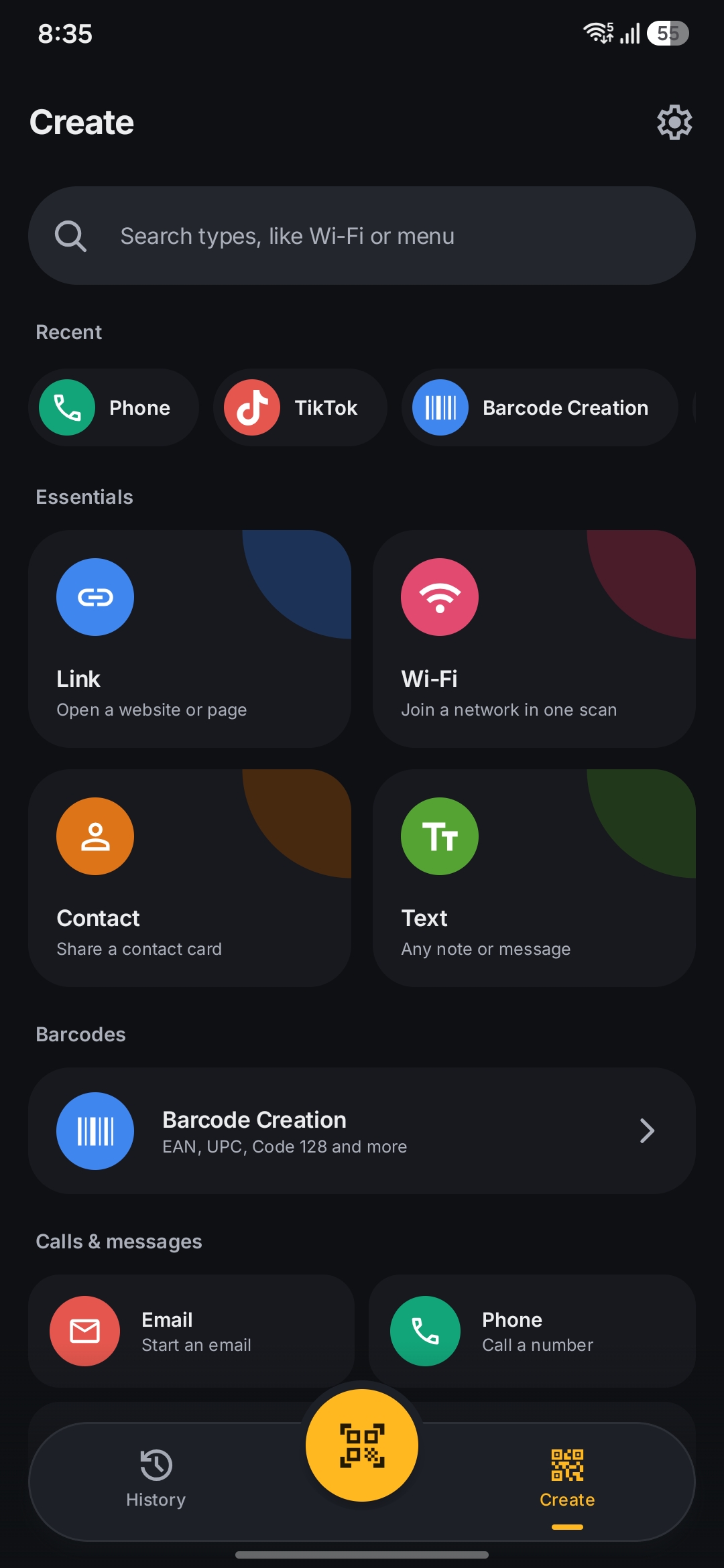
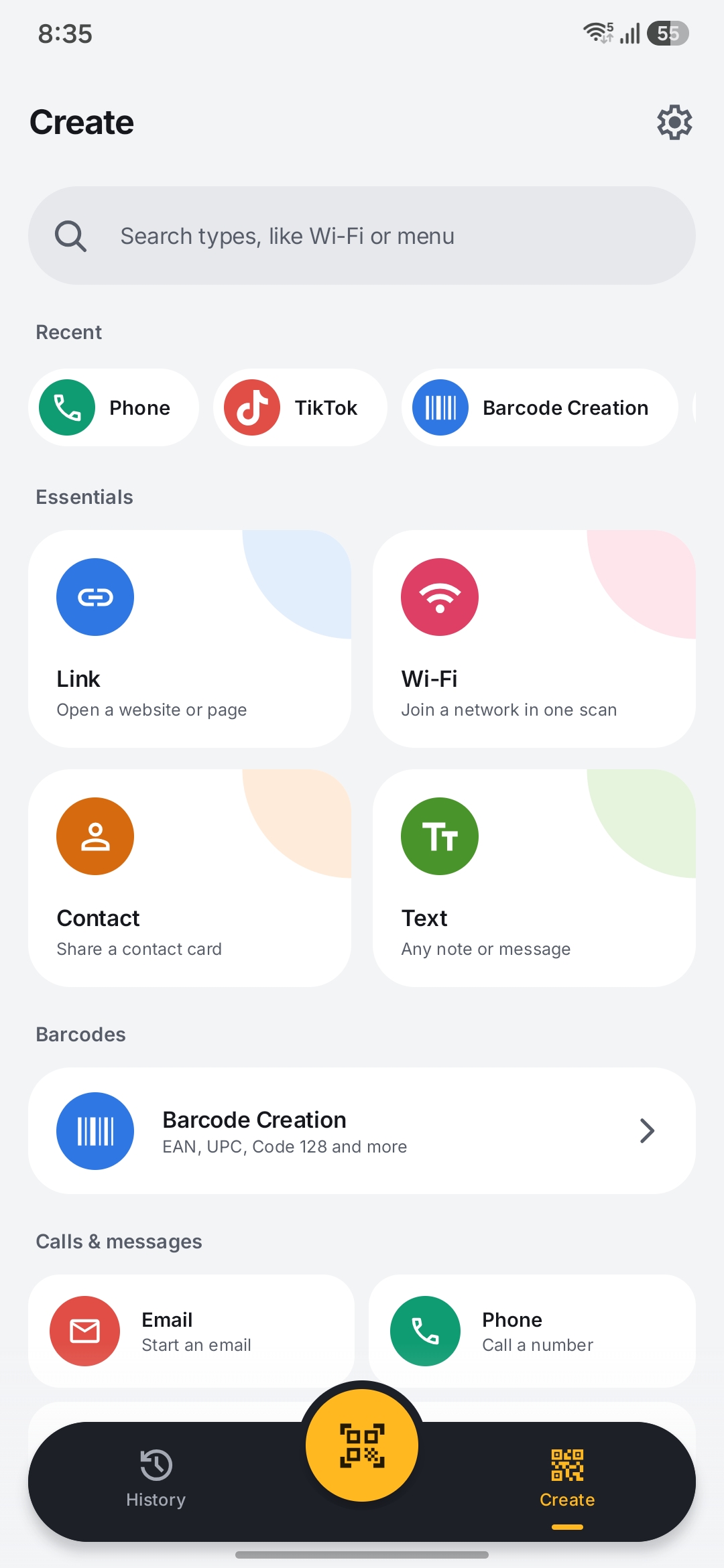
Create a code, change its design, and save it for later.
What you can do
Scan codes
Read QR codes and common barcodes with the camera, using the torch or zoom when needed. You can also find multiple codes in a photo or screenshot.
Create your own
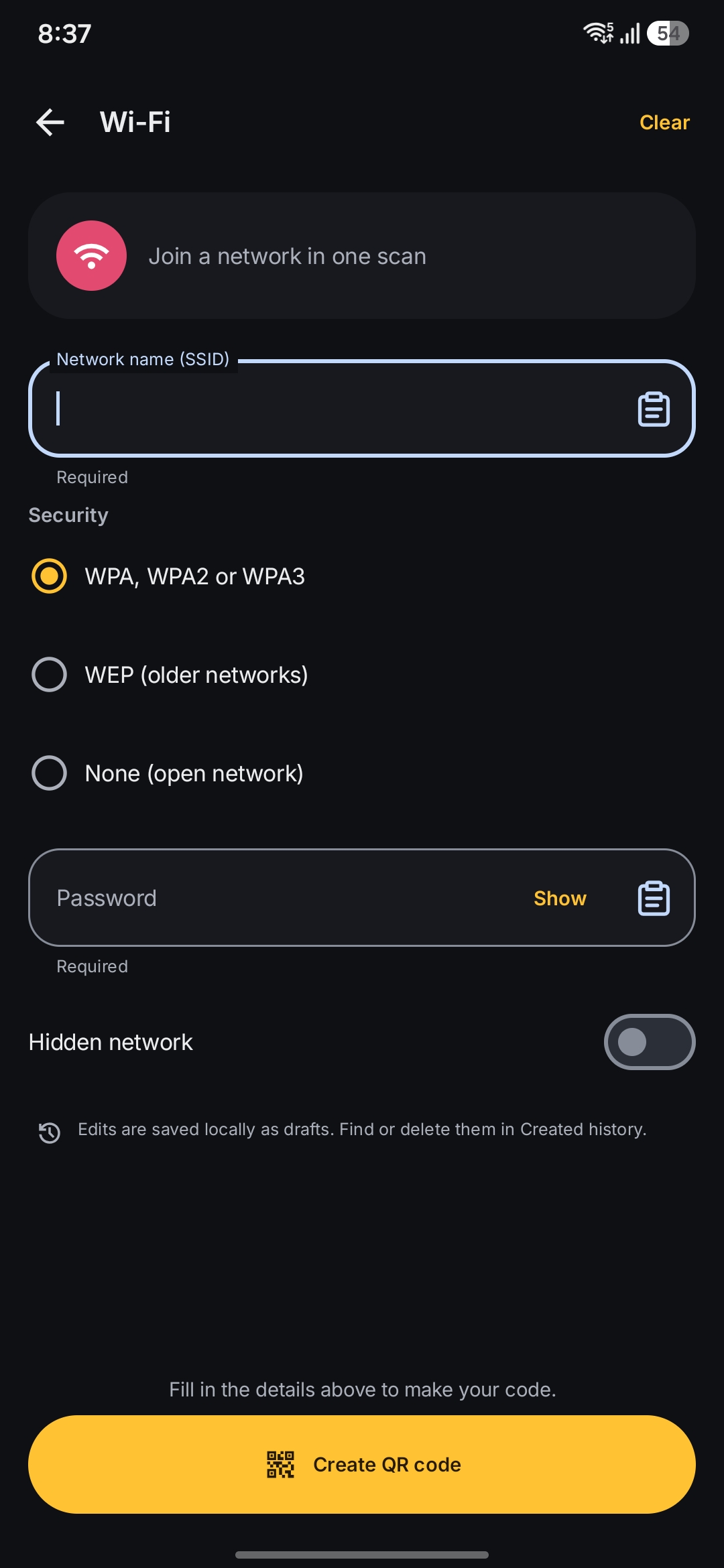
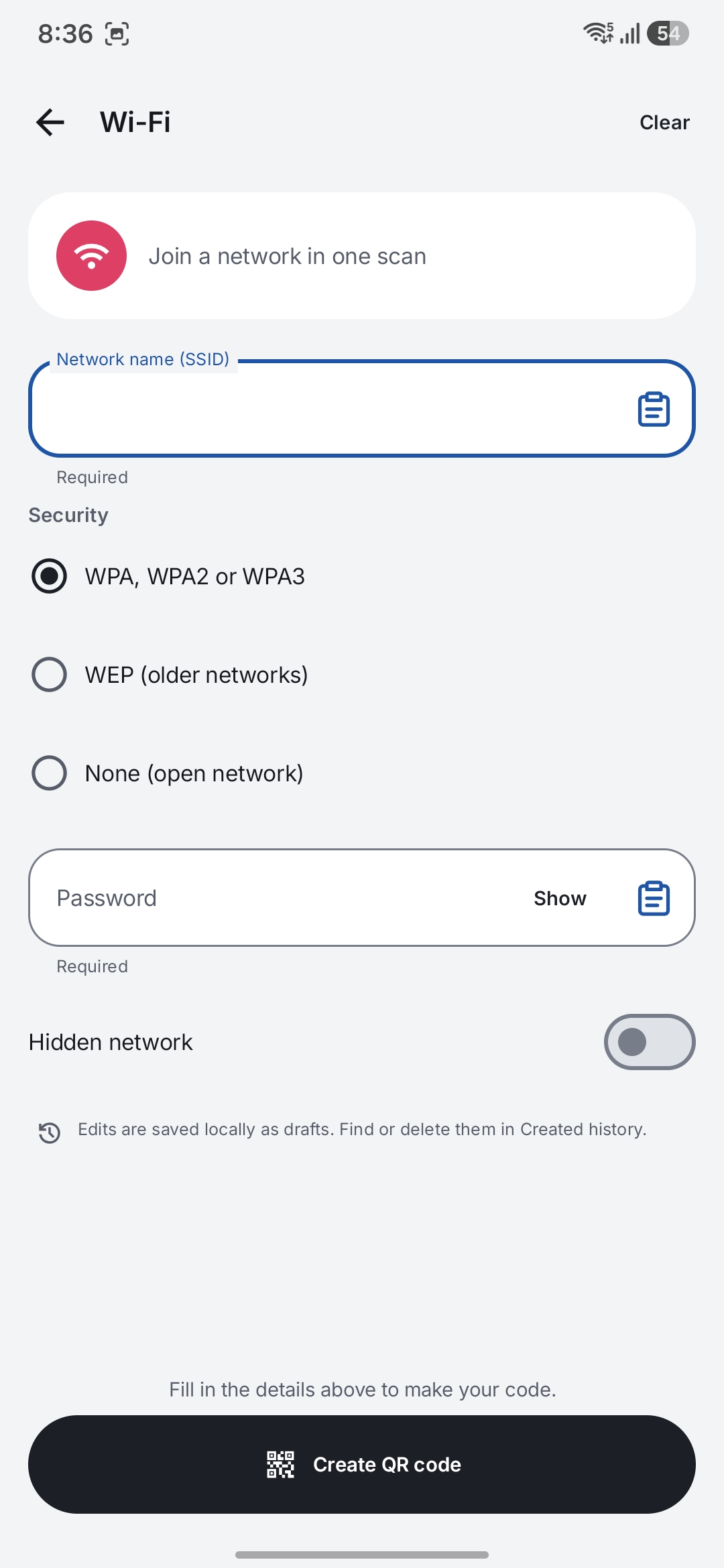
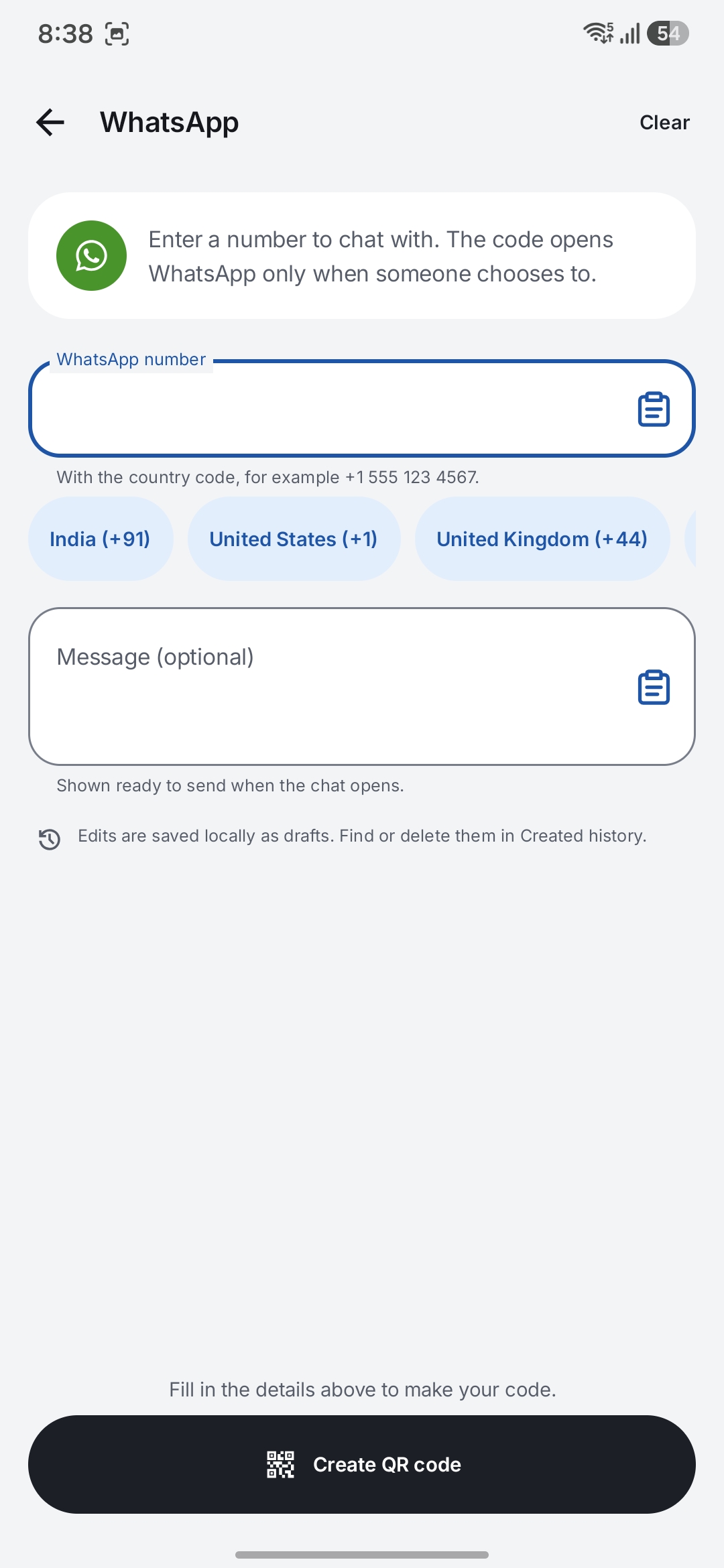
Make QR codes for links, text, Wi-Fi, contacts, email, phone numbers, messages, and locations. The barcode maker supports common formats too.
Change the design
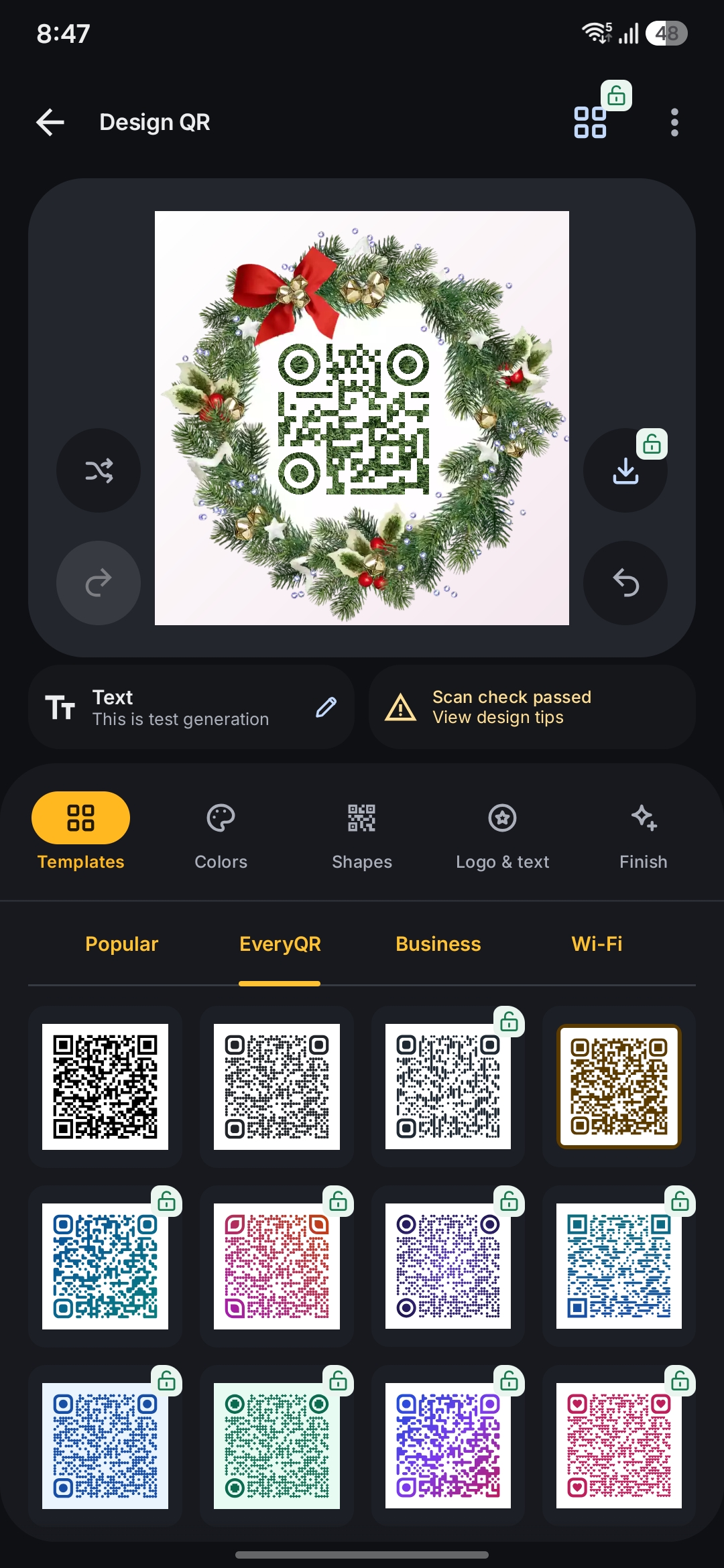
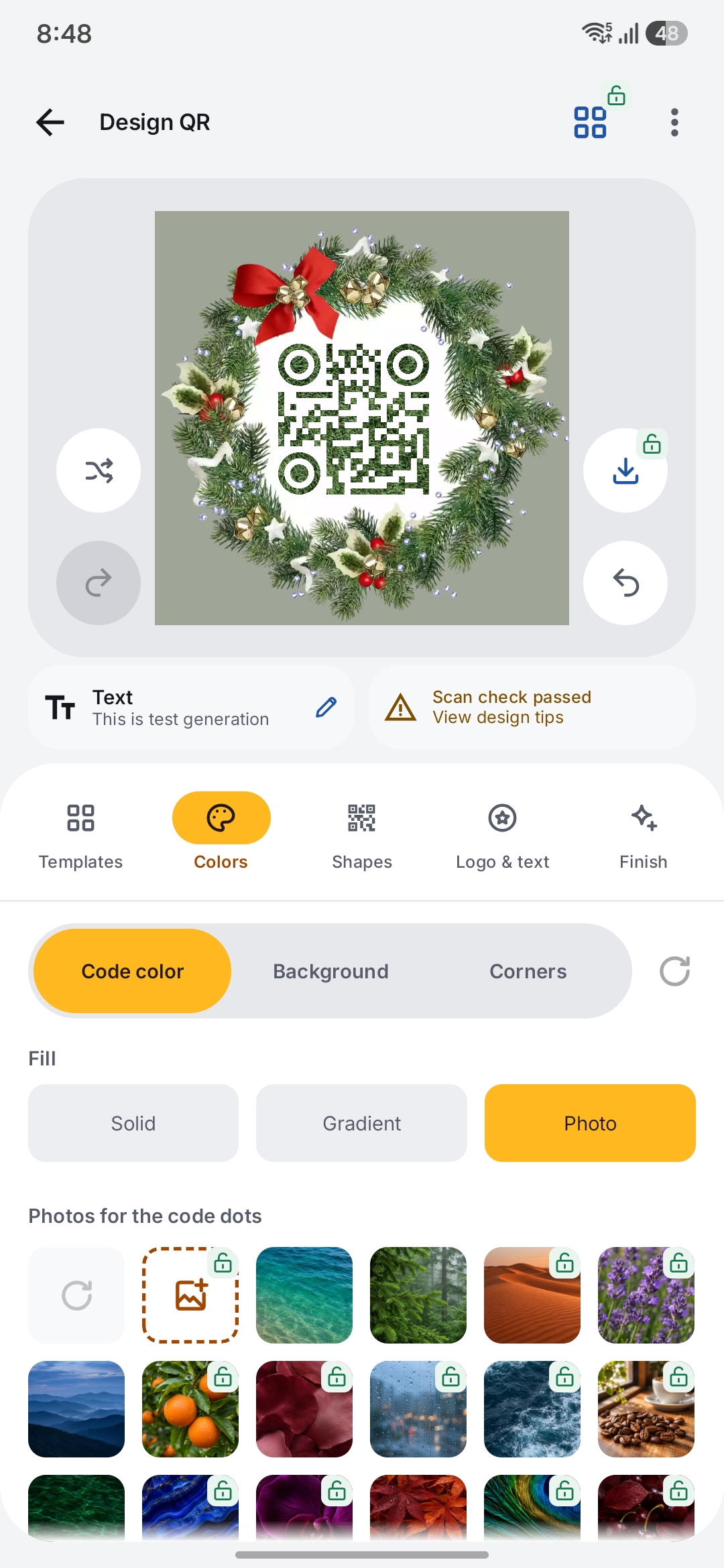
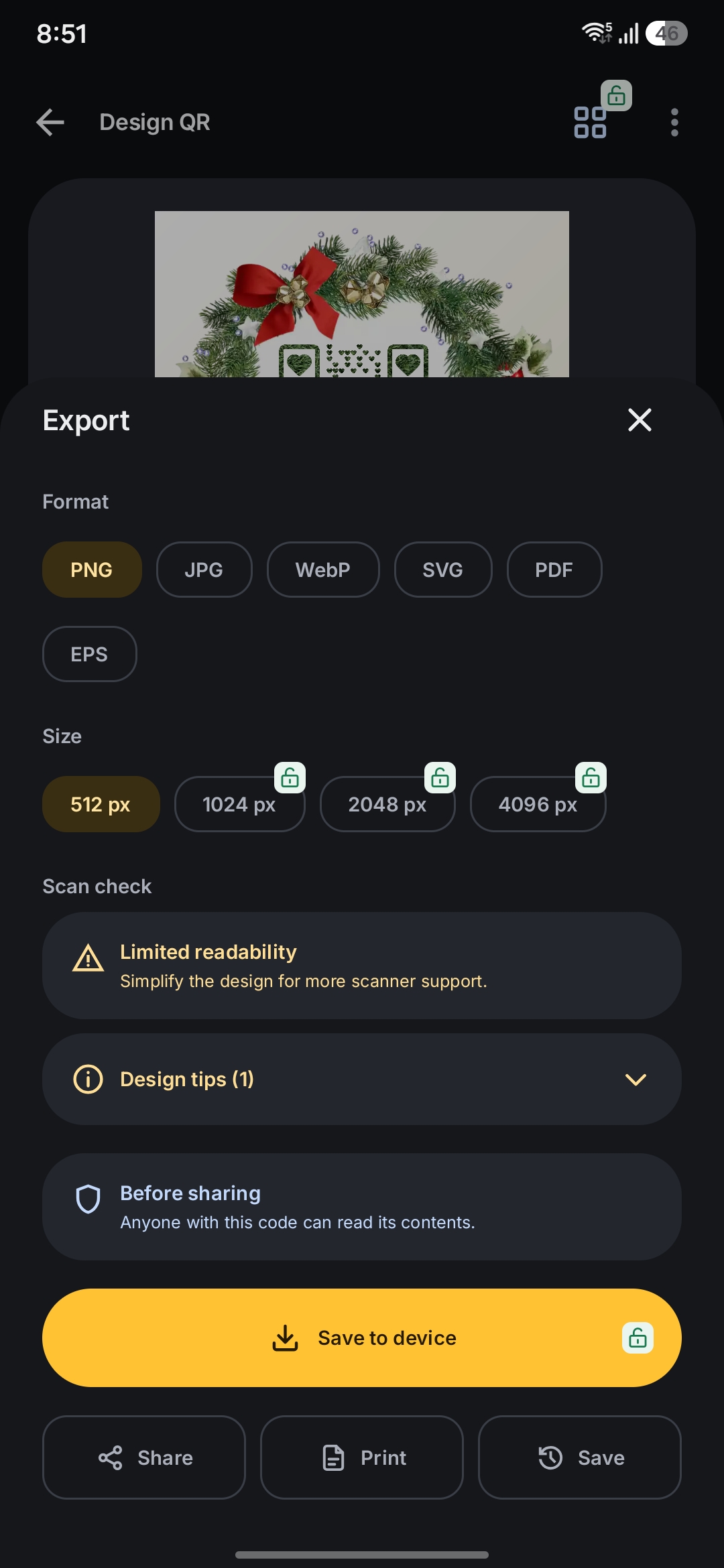
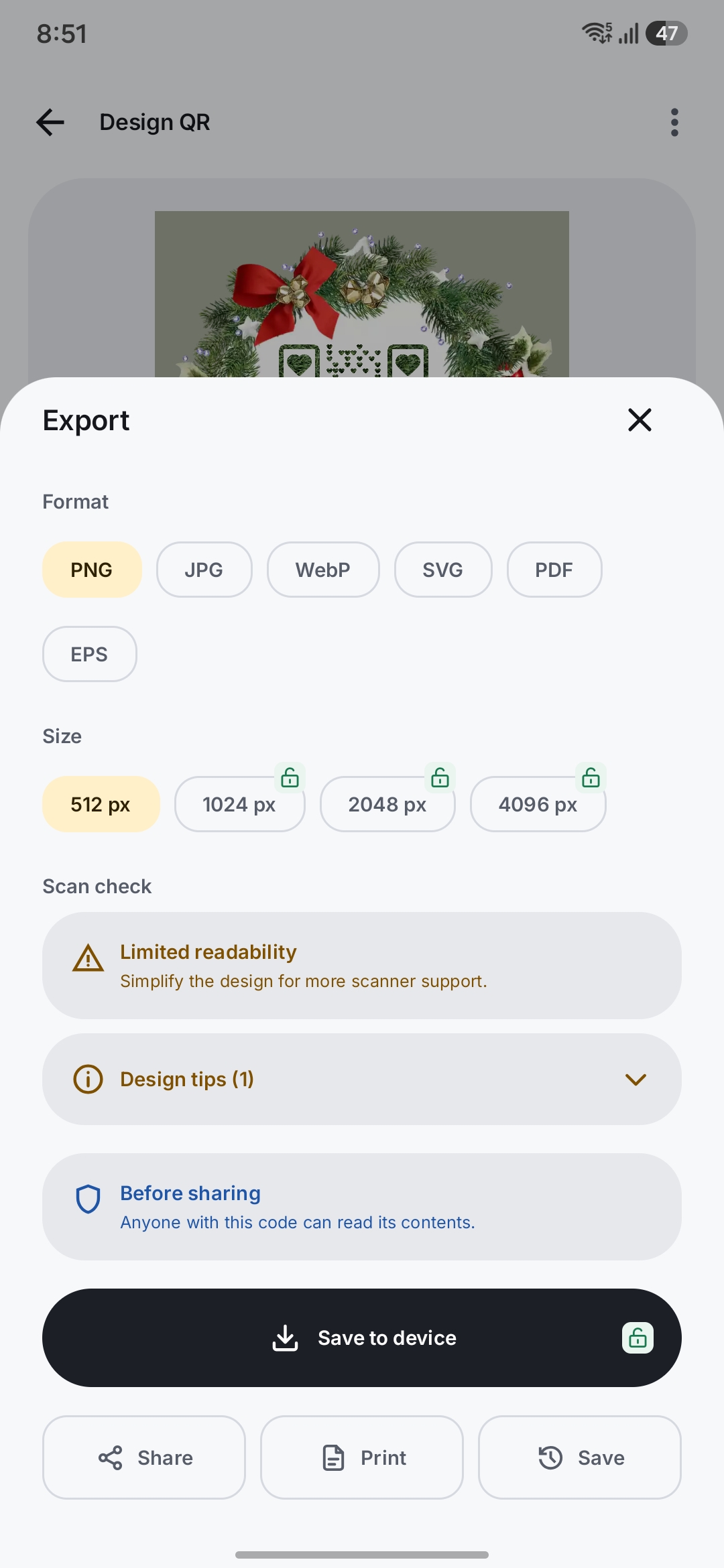
Use templates or adjust colors, gradients, shapes, frames, logos, and captions in Design Studio. Check readability before you export.
Find saved codes
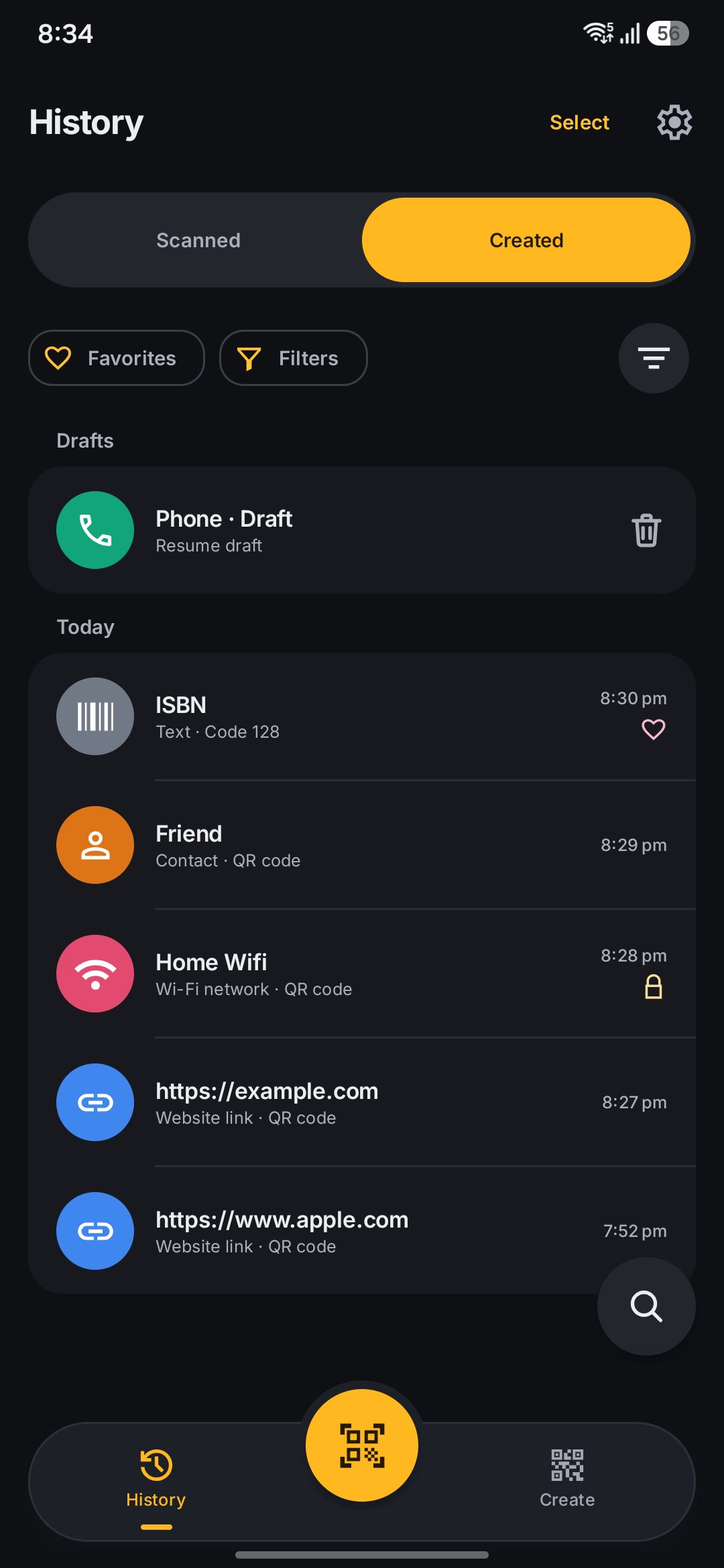
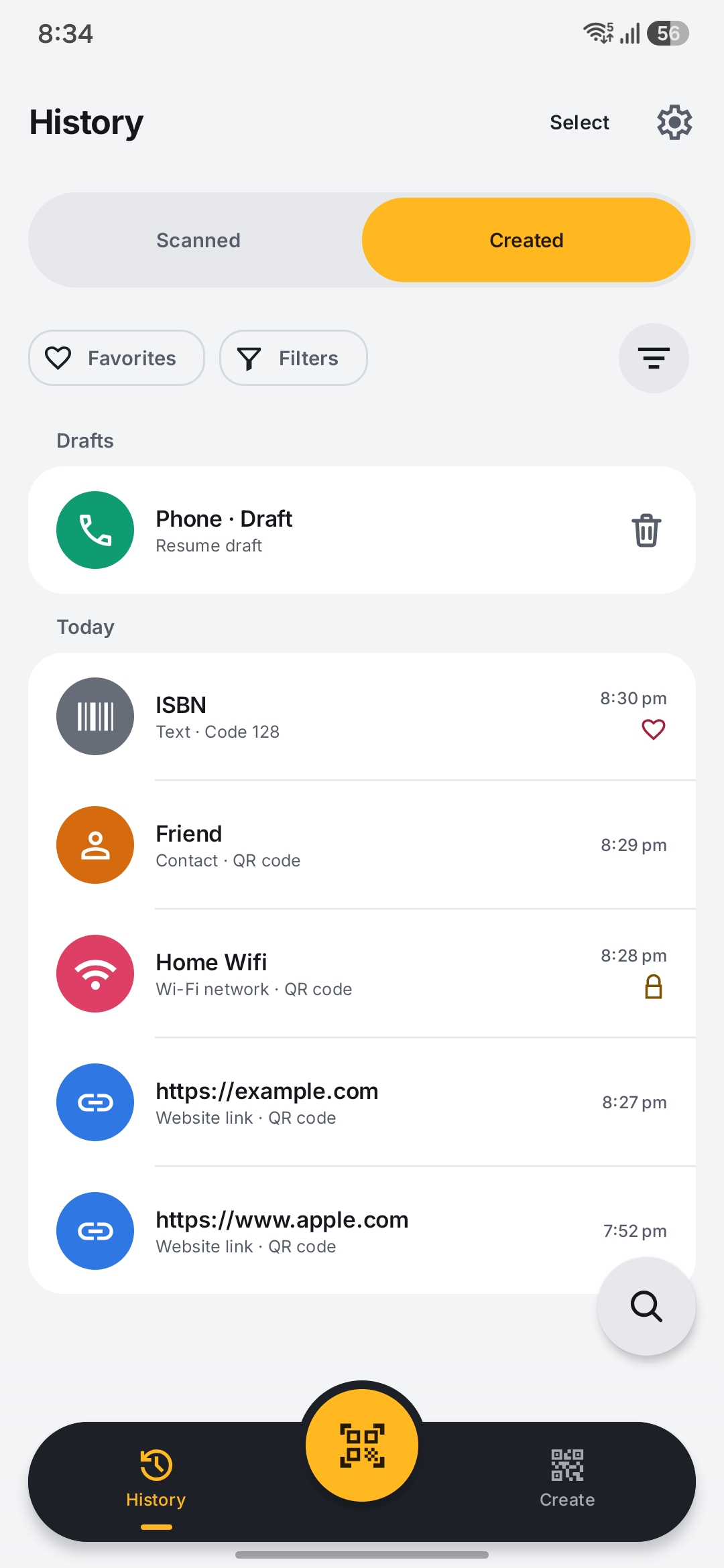
Search your library or browse by category and favorites. Return to unfinished drafts or reopen a saved design to edit it.
Save, share, or print
Export as PNG, SVG, PDF, and other image or vector formats. Save the file on your device or share it with another app.
Optional Pro features
Pro removes ads and adds premium designs, code extraction from PDFs, higher-resolution exports, custom templates, locks, and backup and restore. It’s available as a monthly or yearly subscription, or a one-time Lifetime purchase.
Good to know
- Platform
- Android 8.0 and later
- Core processing
- On your device · works offline
- Account
- No account needed
- Pricing
- Free with ads; optional Pro purchases
- Languages
- English, German, Spanish, French, Hindi, Japanese
- Availability
- Google Play
Core scanning, code creation, and History work offline. The free version includes ads, and Pro is available through Google Play. The Privacy Policy explains which online services the app uses and your privacy choices.