QR code phishing (quishing): how to spot it
Quishing uses QR codes to send you to fake login or payment pages. How these scams work, examples from official warnings, and what to do if you scanned one.
QR code phishing, often called quishing, is a scam where a QR code sends you to a fake website that tries to steal your password, card details, or money. The code might be in an email, a letter, a text message, or a sticker in a public place. Because you can’t read a QR code by looking at it, the trick works until you check where the code leads.
You can protect yourself with one habit: preview the link and read its real domain before you open it.
How quishing works
Phishing usually relies on a link you can see. Quishing hides the link inside a code. That helps scammers in two ways:
- It slips past filters. Email security tools check links in messages, but a link inside an image of a QR code is harder for them to see. The FBI noted in January 2026 that QR codes sent as attachments or embedded images can evade the link inspection that email security relies on.
- It moves you to your phone. You scan a code on your computer screen or a poster with your phone, where the full web address is harder to read and you may be less careful.
Real examples from official warnings
- Fake parking payment stickers. The US Federal Trade Commission warned in December 2023 that scammers cover the QR codes on parking meters with their own, and send codes in emails and texts with an urgent story, such as a missed delivery or a problem with your account.
- Tampered codes stealing payments. The FBI’s Internet Crime Complaint Center warned in January 2022 that criminals were tampering with QR codes to redirect people to malicious sites that steal login and financial details.
- “Scan to receive money” in India. UPI scams that ask you to scan a code to receive a payment are the most common QR scam in India. See UPI QR code scams.
Warning signs
- The code arrived unexpectedly, in an email, text, letter, or parcel.
- The message is urgent or threatening: “Your account will be locked”, “Payment failed, rescan within 24 hours”.
- An email asks you to scan a code to log in, reset a password, or “re-verify” multi-factor authentication.
- A public code is a sticker that covers another code, or looks newer than the sign.
- The link’s domain isn’t the organization you expect, or it’s a link shortener.
- The page asks for passwords, OTPs, card numbers, or a UPI PIN.
- The page offers an app to download from outside Google Play.
How to check a QR code before you open it shows exactly how to read an address and spot lookalike domains.
Safer habits
- Don’t scan codes in unexpected messages. Go to the organization’s app or website yourself.
- Never log in through a QR code you didn’t ask for. Genuine sign-in codes, such as WhatsApp Web, are ones you open on your own screen.
- Pay through official apps. For parking, tolls, and bills, use the official app or website.
- Keep your phone and browser updated, so known security problems are fixed.
If you’ve already scanned a phishing code
- Don’t enter anything else. Close the page.
- If you entered a password, change it right away on the real site, and on any other site where you used the same password. Turn on two-step verification.
- If you entered card or bank details, or paid, call your bank now to block the card or dispute the payment. In India, also call 1930 or report at cybercrime.gov.in. In the US, report to the FTC and the FBI’s IC3.
- If you installed an app, uninstall it, and check your accounts for activity you don’t recognize.
- Report the code. Tell the business whose sign or meter it was on, and forward phishing emails to your email provider’s reporting option.
How EveryQR can help
EveryQR shows the full content of a code before anything opens, including the link’s real host name, with warnings for http links, addresses with text before an @, and non-Latin lookalike addresses. It doesn’t decide whether a site is safe; it gives you what you need to check.
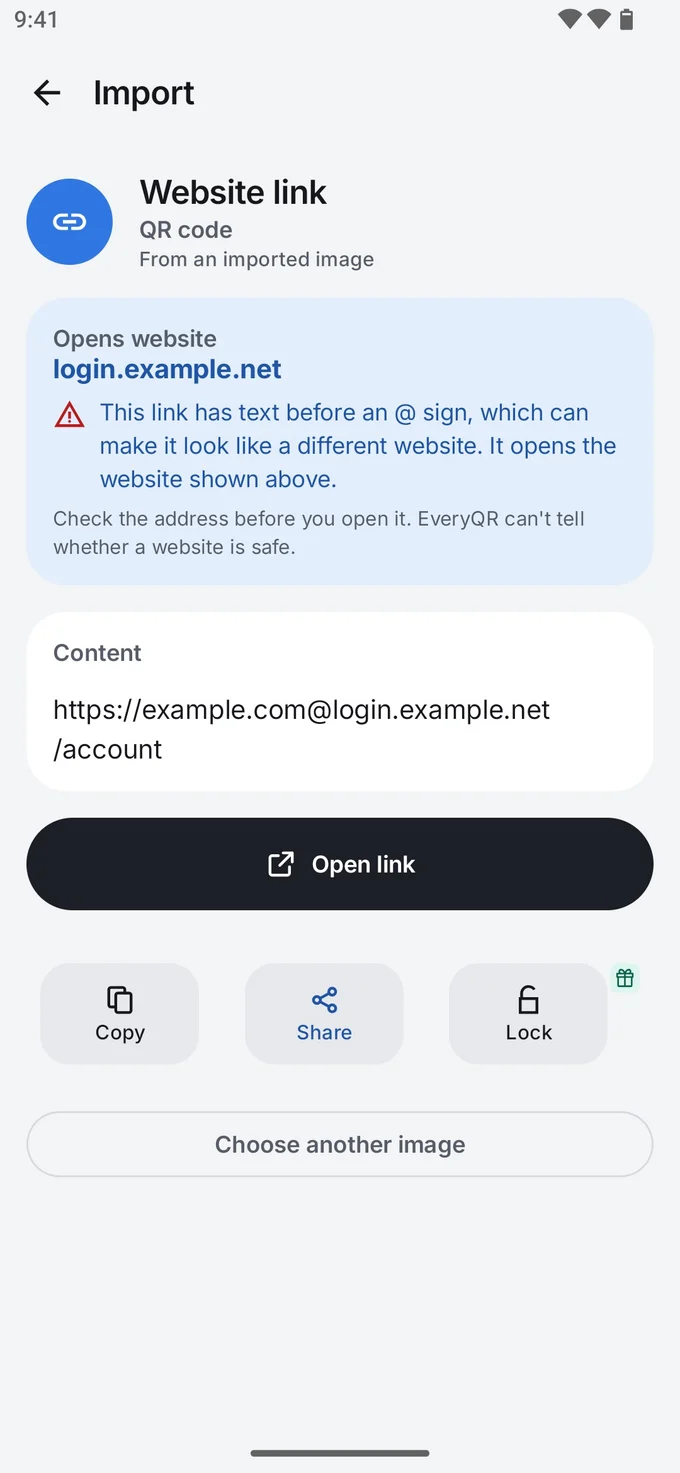
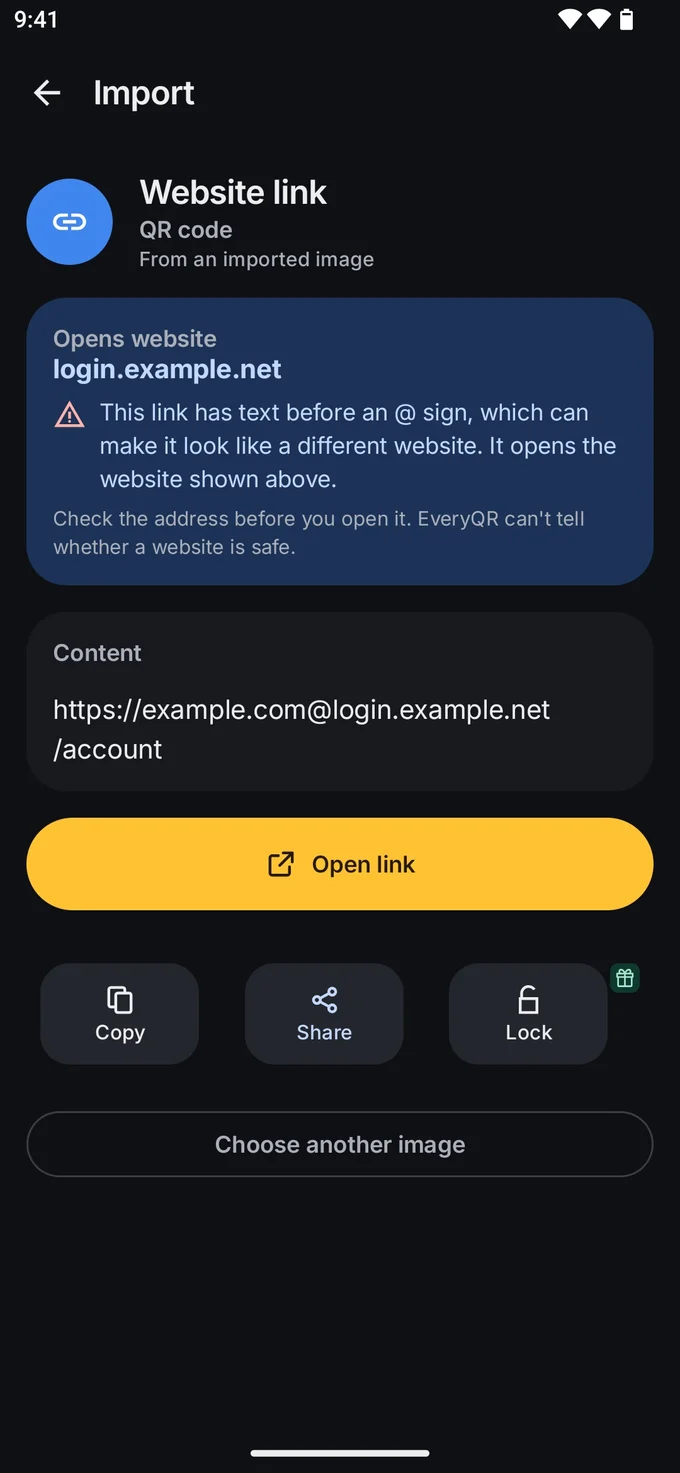
It can also scan a code from a screenshot, so you can check a code in an email without opening any link first.
Related guides
- How to check a QR code before you open it
- UPI QR code scams: why you never scan to receive money
- Are QR codes safe? The real risks, explained
More safety guides are in QR codes, explained.