UPI QR code scams: why you never scan to receive money
Scanning a UPI QR code and entering your PIN always sends money. How UPI QR scams work, how to spot them, and what to do right away if you've already paid.
You never need to scan a QR code to receive money through UPI. Scanning a UPI QR code and entering your UPI PIN always sends money from your account. If someone asks you to scan a code or enter your PIN so that they can pay you, it’s a scam.
That one rule stops the most common UPI QR code scam in India. The rest of this guide explains how these scams work, how to spot them, and exactly what to do if you’ve already paid.
Why a UPI QR code can only take money from you
A UPI QR code is a payment request. It contains the details of whoever will receive the money: their UPI ID, their name, and sometimes a fixed amount. A typical code holds text like this:
upi://pay?pa=shopname@bank&pn=Shop%20Name&am=500&cu=INRpa is the payee’s UPI ID, pn their name, and am the amount. When you scan it, your UPI app fills in a payment from you to them. Your UPI PIN is how you approve that payment. There’s no kind of UPI QR code that puts money into your account when you scan it.
To receive money, you only share your UPI ID or show your own QR code. The person paying you does the scanning and enters their PIN. NPCI, which runs UPI, says the same in its UPI Safety Shield advice: your UPI PIN is only for taking money out of your account, never for receiving it.
How UPI QR code scams happen
The details change, but the pattern is the same: someone persuades you that scanning or entering your PIN will bring money in.
- The “buyer” on a marketplace. You list a sofa or a phone online. A buyer agrees to your price quickly, then sends a QR code “to receive the payment” or “to confirm the advance”. Scanning it and entering your PIN pays them.
- The fake refund or cashback. A caller says you’re owed a refund from a shop, a delivery company, or your electricity provider. They send a code and tell you to scan it to get your money.
- The fake customer-care number. You search for a company’s helpline, call a number that isn’t real, and the “agent” asks you to scan a code to fix a failed payment.
- The swapped sticker. At a shop, petrol pump, or parking lot, a scammer puts their own QR sticker over the real one. You pay the right amount to the wrong person.
The Reserve Bank of India describes QR code payment frauds of this kind in its public awareness booklet, BE(A)WARE. Its advice is direct: never scan a QR code to receive money, and you never need to enter a PIN or password to receive money.
How to spot a UPI QR code scam
Stop if any of these is true:
- Someone asks you to scan a code to receive money, a refund, cashback, or a prize.
- Someone asks you to enter your UPI PIN to receive money or “verify” your account.
- The person is rushing you: “do it in the next five minutes”, “the offer expires”.
- The amount shown in your UPI app is more than you expected, or there’s an amount when you weren’t paying anyone.
- The payee name in your UPI app doesn’t match the shop or person you meant to pay.
- A shop’s QR code is a sticker on top of another sticker, or looks newer or damaged.
- A “customer care” agent asks you to install a screen-sharing app, or to share an OTP.
Before you enter your PIN, always read the screen in your UPI app: who is being paid, and how much. Your PIN is the last check. Never enter it for anyone else.
What to do if you’ve already scanned or paid
Act quickly. The sooner you report, the better the chance of stopping the money.
- Call 1930, the national cybercrime helpline, or report online at cybercrime.gov.in. Keep the complaint number.
- Tell your bank right away, using the phone number on your debit card or the bank’s official website or app. Ask them to raise a fraud complaint for the transaction.
- Report it in your UPI app. Open the transaction in your UPI app and look for its help, support, or “raise a dispute” option. The wording differs between apps.
- Keep the evidence: screenshots of the chat or call log, the scammer’s UPI ID and phone number, and the transaction ID (UTR number) from your UPI app.
- Don’t send more money to “recover” the first payment. People who promise to get your money back for a fee are often part of the same scam.
If you only scanned the code and didn’t enter your PIN, no money has left your account. Close the app, and block and report the contact. You can report suspected fraud calls and messages through the Chakshu option on Sanchar Saathi, the Department of Telecommunications’ portal. Chakshu is for suspected fraud; if you’ve lost money, use 1930 or cybercrime.gov.in instead.
How EveryQR can help
A QR scanner app can’t tell you whether someone is honest. What it can do is show you what a code contains before anything happens.
When you scan a UPI code with EveryQR, it shows the full payment link first, including the payee’s UPI ID (after pa=) and any amount (after am=), with a reminder to check the recipient and amount in your UPI app. It doesn’t open your UPI app on its own. If you decide to pay, you tap Open in UPI app, and your UPI app shows the details again before you enter your PIN. EveryQR doesn’t make payments, ask for your PIN, or check who the payee is.
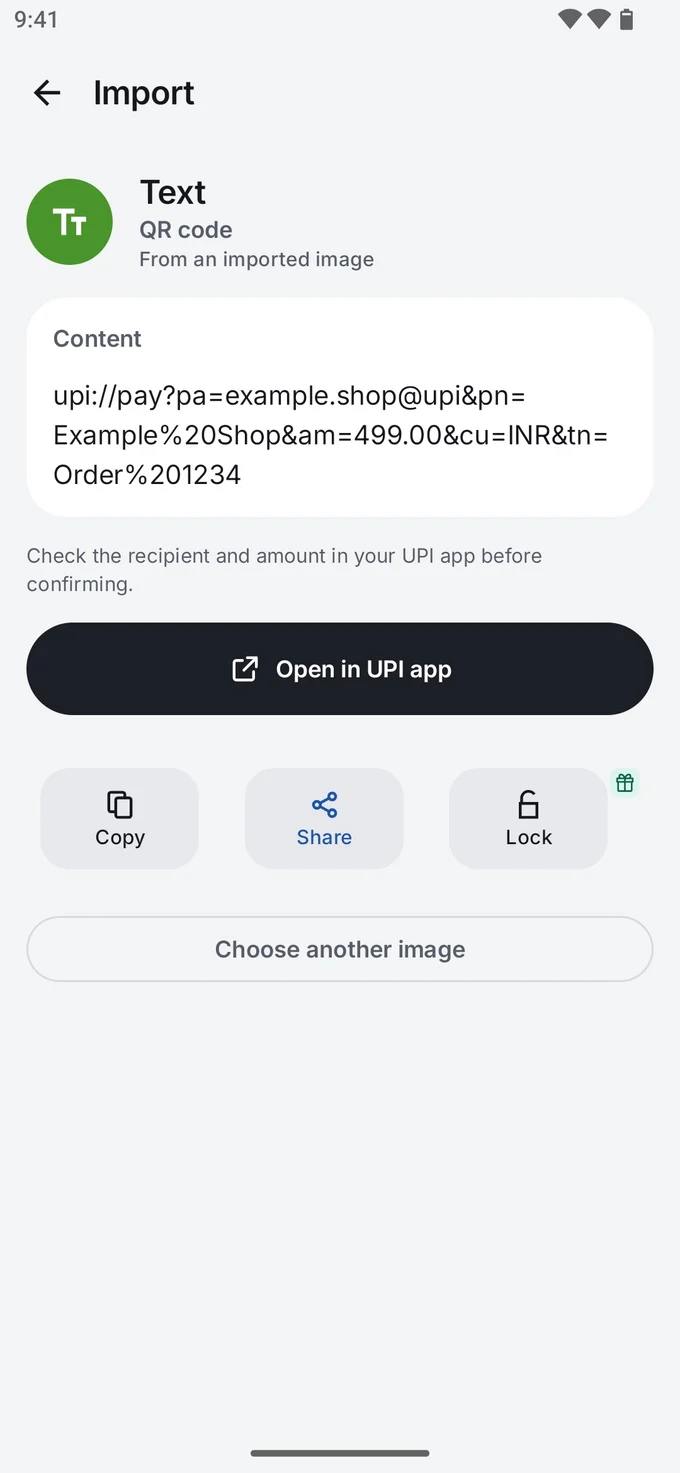
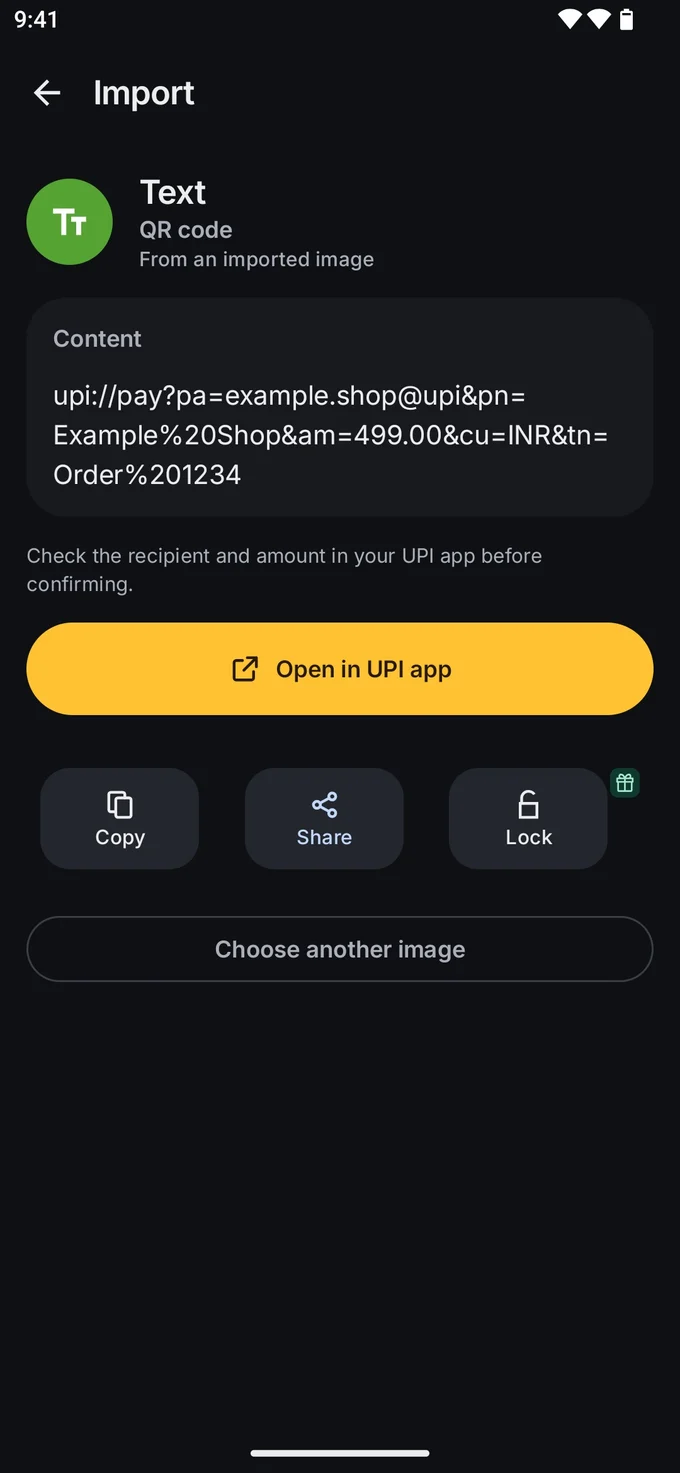
That pause is useful when a code arrives as a screenshot on WhatsApp: you can scan it from the image and read whose UPI ID it really is.
Related guides
- QR code phishing (quishing): how to spot it
- How to check a QR code before you open it
- Are QR codes safe? The real risks, explained
More safety guides are in QR codes, explained.