PNG, SVG, or PDF: the best format for a printed QR code
Which file format to use for a QR code: SVG or PDF for print, PNG for screens, and why JPG blurs the edges. A format table, resolution guide, and printer tips.
The best file format for a printed QR code is a vector format: SVG, PDF, or EPS. Vectors describe the code as shapes, so it stays perfectly sharp at any size, from a business card to a billboard. For screens (websites, WhatsApp, social media, slides), use PNG, which keeps edges crisp with a small file. Avoid JPG: its compression blurs the sharp edges a scanner relies on.
QR code file formats compared
| Format | Type | Best for | Watch out for |
|---|---|---|---|
| SVG | Vector | Web pages, design software, print | Some office apps and printers don’t accept it |
| Vector (usually) | Print shops, documents, office printers | Check it isn’t just an embedded image | |
| EPS | Vector | Older professional print workflows | Hard to preview on phones |
| PNG | Pixels, lossless | Screens, messages, social media, small prints | Blurs if enlarged beyond its pixel size |
| WebP | Pixels | Websites | Not every app accepts it |
| JPG | Pixels, lossy | Photos, not codes | Compression adds blur and specks around modules |
Vector or pixels: why it matters
A pixel (raster) image is a grid of colored dots. Enlarge it beyond its size and each dot gets bigger, so the edges of the modules turn into blurry steps. A scanner can usually cope with a little blur, but on a large print or a dense code, it adds up.
A vector image stores the code as shapes (“a square here, this size”). The printer draws them at whatever size you need, always sharp. Since a QR code is made of simple squares, it’s an ideal fit for vectors.
Which format for which job?
Printing at a print shop
Send PDF or SVG. Ask which they prefer; many shops ask for PDF, and some older workflows ask for EPS. Tell them not to resize the code unevenly or change its colors.
Printing at home or in the office
PDF prints well from any computer. A high-resolution PNG also works if it has enough pixels for the printed size (see below).
Design software
Import SVG into Figma, Illustrator, Inkscape, Canva, or Affinity, so you can place and scale it without losing quality. Don’t apply effects or blur to the code layer.
Websites, WhatsApp, and social media
Use PNG. It’s sharp and widely supported. Make it at least 300–500 pixels wide so it’s easy to scan from a screen.
Word documents and slides
PNG is the safest choice; newer versions of Office also accept SVG.
If you use PNG for print: how many pixels?
For a sharp print, aim for about 300 pixels per inch at the printed size:
| Printed width | Pixels needed |
|---|---|
| 2 cm (0.8 in) | about 240 px |
| 3 cm (1.2 in) | about 354 px |
| 5 cm (2 in) | about 591 px |
| 10 cm (3.9 in) | about 1,181 px |
| 20 cm (7.9 in) | about 2,362 px |
If your PNG has fewer pixels than this, use a vector format instead, or export a larger PNG. QR code size for printing covers how big the code itself should be.
Mistakes to avoid
- Screenshots of codes. A screenshot is a low-resolution, sometimes compressed copy. Export the original file instead.
- Saving a PNG as JPG. Converting adds compression artifacts that you can’t remove later.
- Stretching the code. Always resize proportionally, so the modules stay square.
- Cropping the margin. The blank border is part of the code. Keep it when placing the file.
- Transparent backgrounds on dark designs. A transparent PNG or SVG takes the color behind it. Place it on a light, plain area.
A note on EveryQR
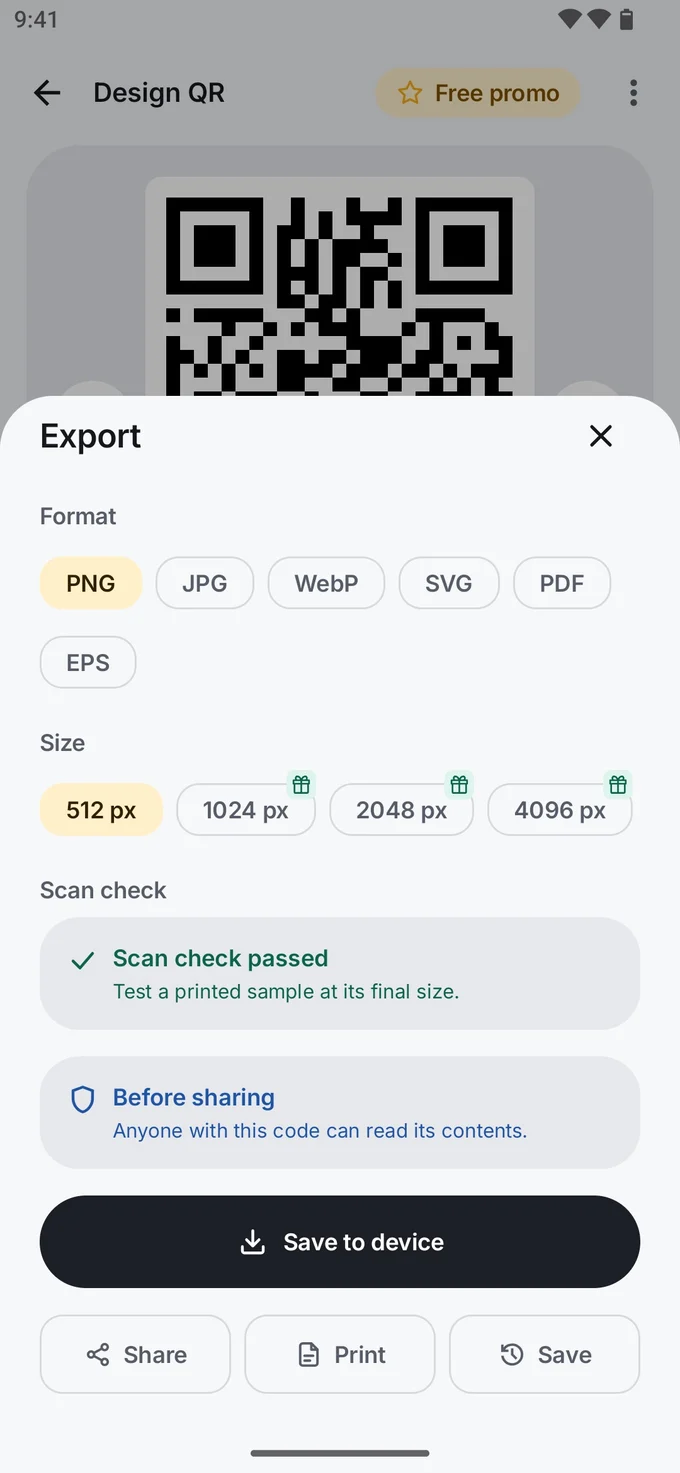
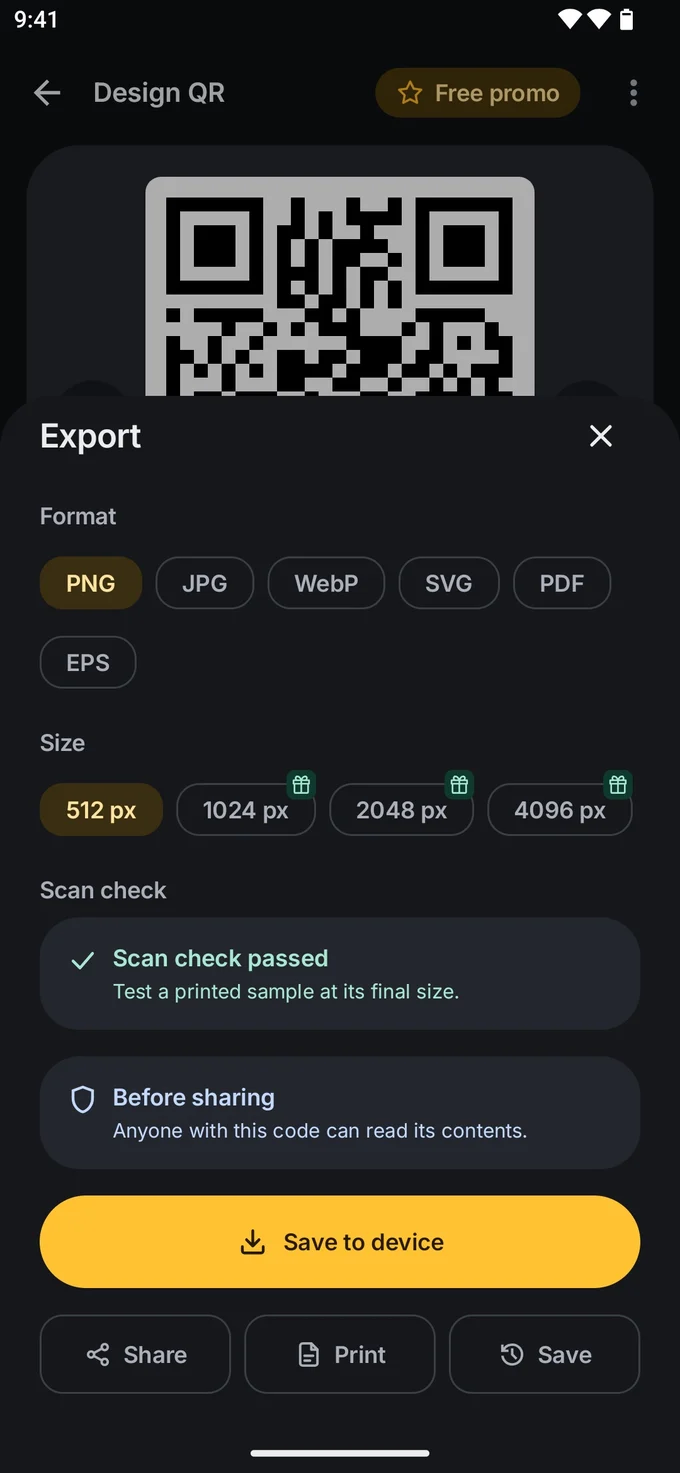
EveryQR exports codes as PNG, JPG, and WebP images at 512 px for free, and as PDF at a 5 cm printed width or fitted to an A4 or Letter page, which covers most small prints. EveryQR Pro adds SVG, EPS, and GIF, image exports of 1024 to 4096 px, lossless WebP, and other print widths from 2 cm to 20 cm. Every export includes the blank margin, and the readability check runs before you save.
Related guides
- QR code size for printing: minimum size and scan distance
- How to make a QR code for free, with no sign-up
- QR code colors: contrast rules that keep codes scannable
Browse all QR code guides.